PRACTICE MANAGEMENT TOOLS
Your accepted proposal now becomes the project, tasks and invoice, so work flows from signed to paid.
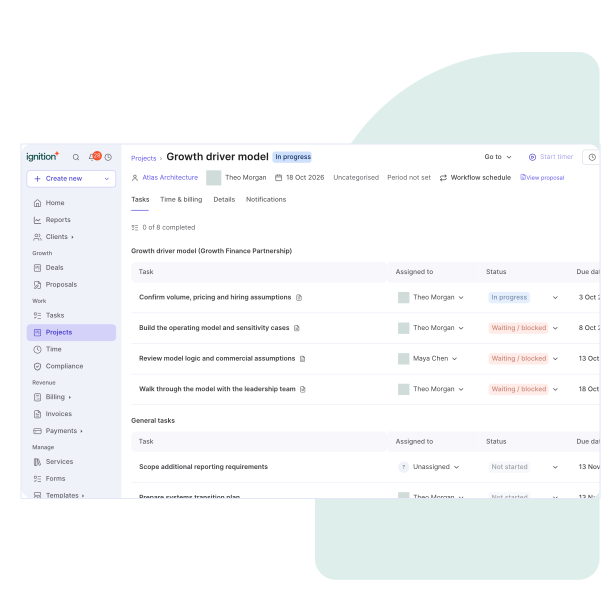
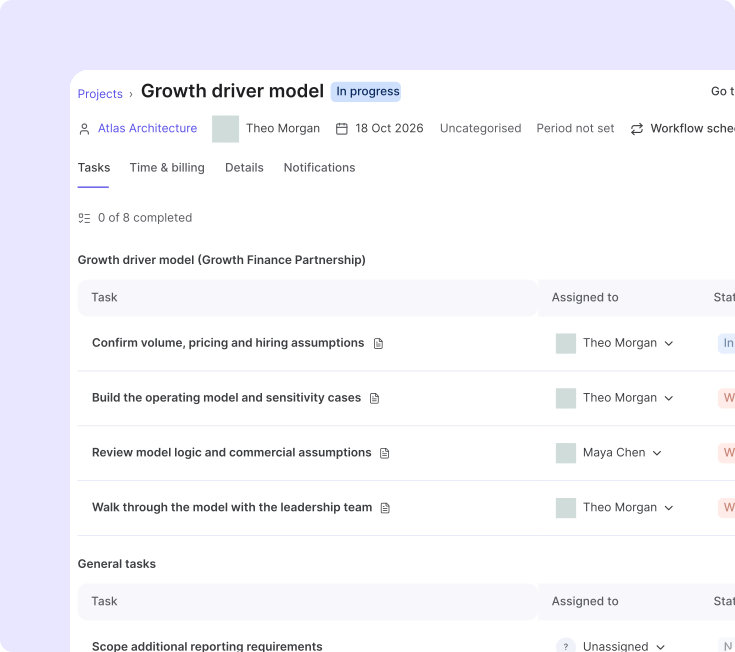
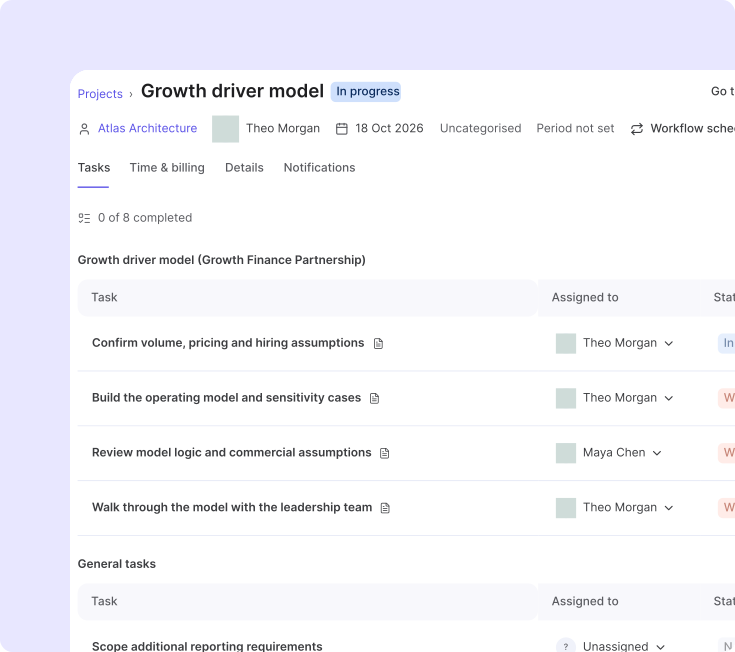
Scope, price and terms are set once. Accepted proposals become projects, tasks, budgets, owners and due dates.
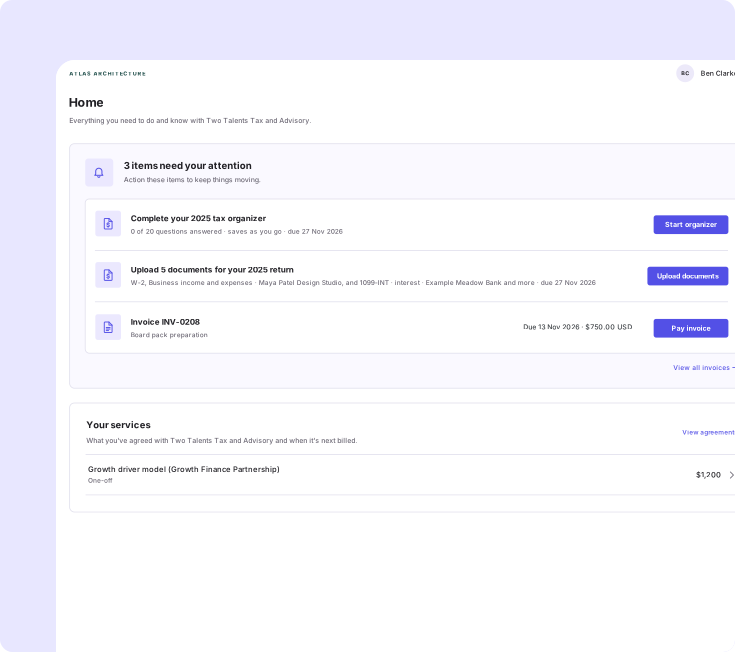
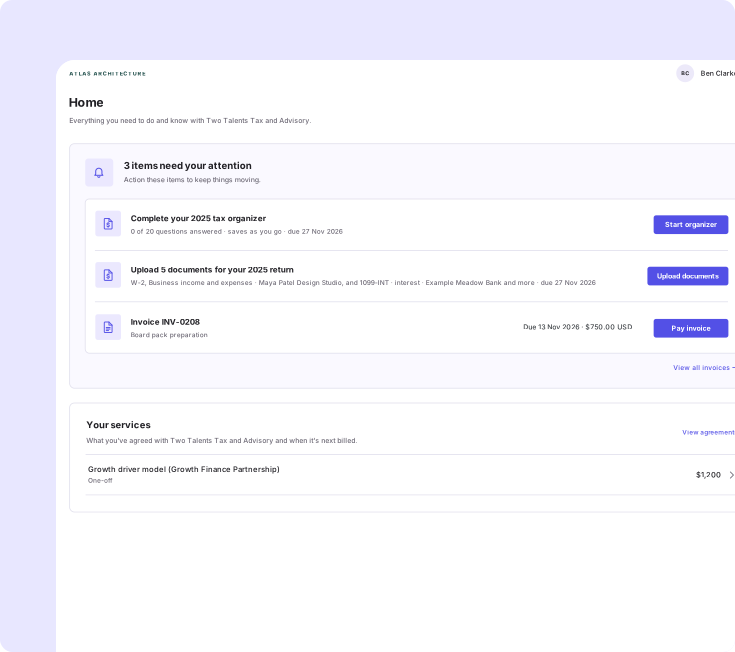
Clients sign, pay, upload and see what's next in one portal and on their phone.
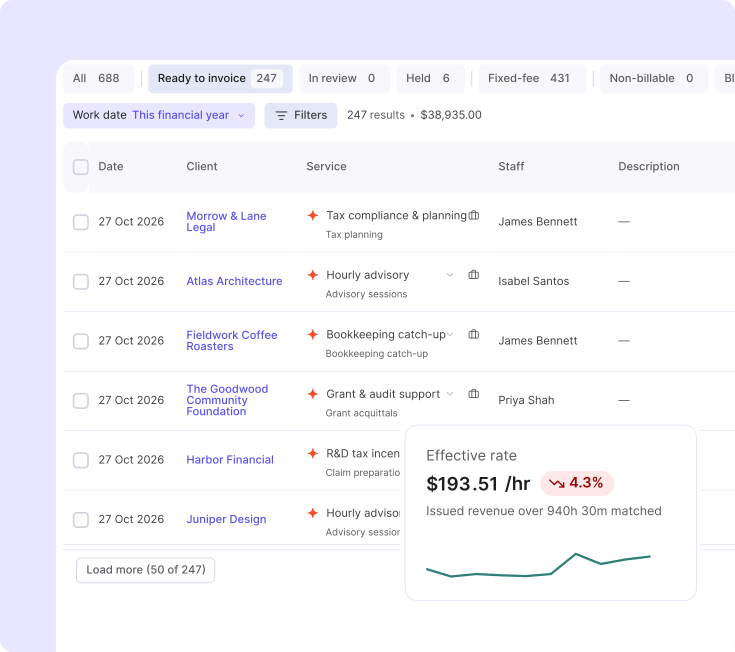
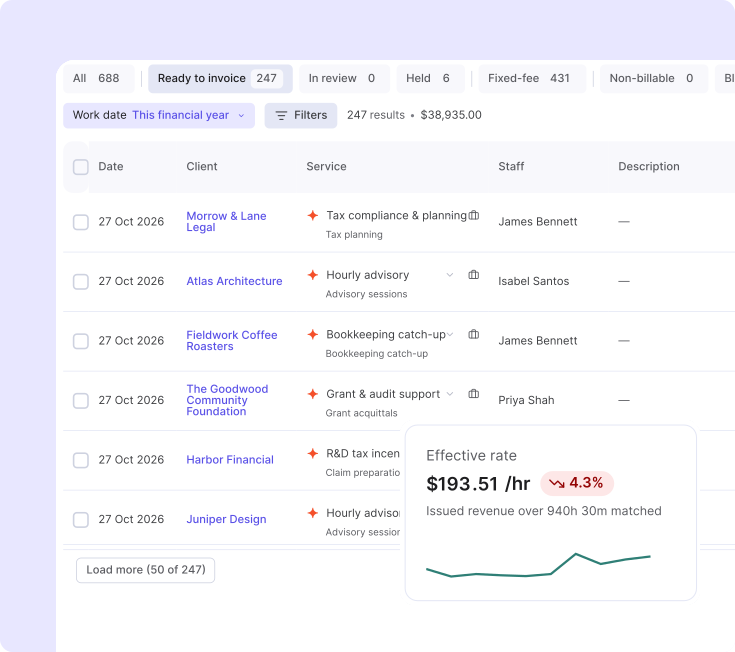
Time becomes WIP, WIP becomes an invoice, and you see what each client is really worth.
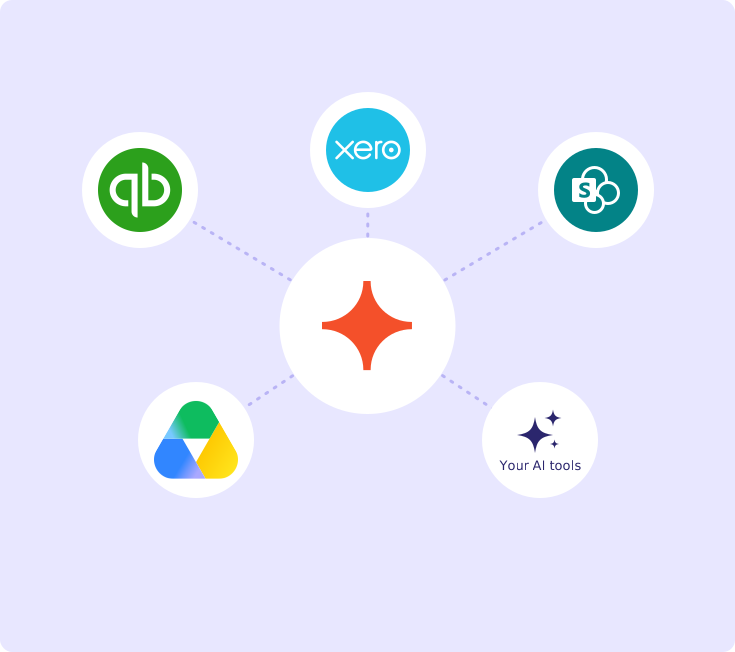
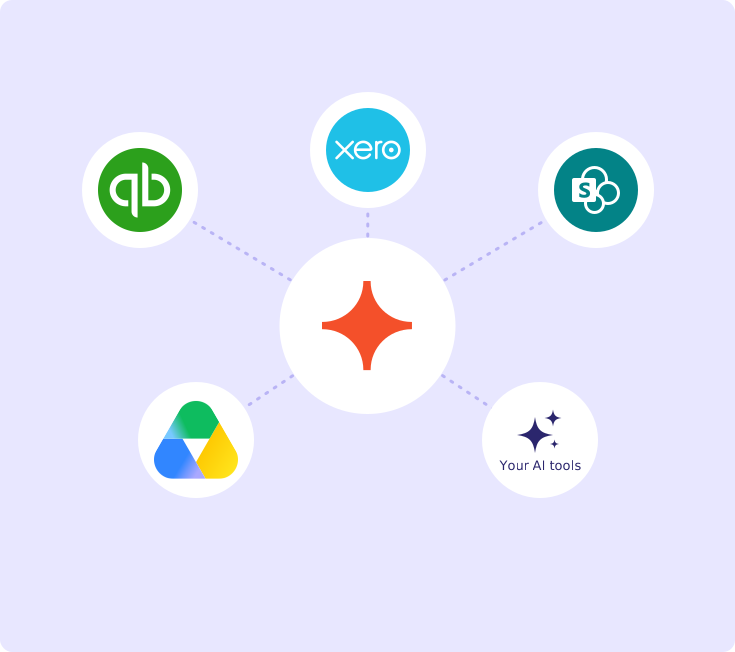
Keep your ledger, storage and tools. Ignition connects to them and opens your data to your AI tools.
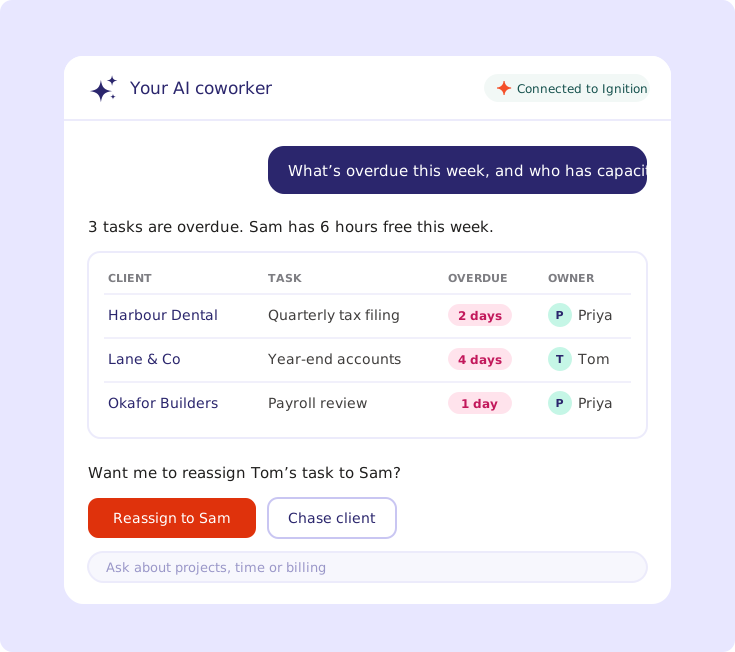
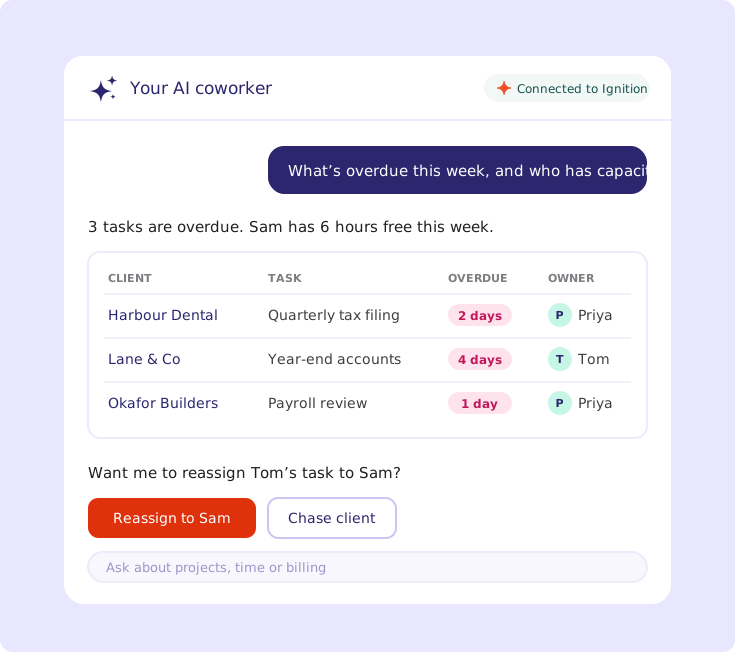
Ask your AI coworker, like Parkes, Claude or ChatGPT, what’s overdue or who has capacity, then reassign tasks or chase a client in the same conversation.
Connects to QuickBooks, Xero, SharePoint and your AI tools through Ignition MCP.
Find out more



Watch one client go from proposal to portal, time and payment in a live demo.
Follow one client from signed proposal to paid invoice in our live webinar. Dec 3 for AMER and EMEA, Dec 4 for APAC.
Save your spot
Follow one client from signed proposal to paid invoice in our live webinar. Dec 3 for AMER and EMEA, Dec 4 for APAC.
Save your spot
Yes. It's included in Pro and above plans and switched on in one place.
No. Ignition connects to the tools you keep, like QuickBooks, Xero, Google Drive and SharePoint, and starts the work from your signed agreement.
Yes. Bill time from Financial Cents or QuickBooks Time, or track it natively in Ignition.
In your own storage. Link each client to a folder in Google Drive, SharePoint or ShareFile.
Tax workflow and client campaigns are coming soon. We’ll share dates once they’re confirmed.
Many firms start the work in Ignition and keep the tools they trust. Book a demo to talk through the right path for your firm.
See how proposals, time, billing and payments run end to end in Ignition.