Connect Thomson Reuters Practice CS and Ignition with the Desktop Connector. Sync clients, invoices and payments both ways to automate proposals, billing and collections.



Sync Practice CS clients into Ignition and send bulk proposals from proven templates, with packages, add-ons and automatic price increases built in. Collect payment details upfront when clients sign.

Import unpaid Practice CS invoices on a daily schedule and invite clients to pay online right away. Or bring in Practice CS time with WIP billing and invoice it against the agreed scope.

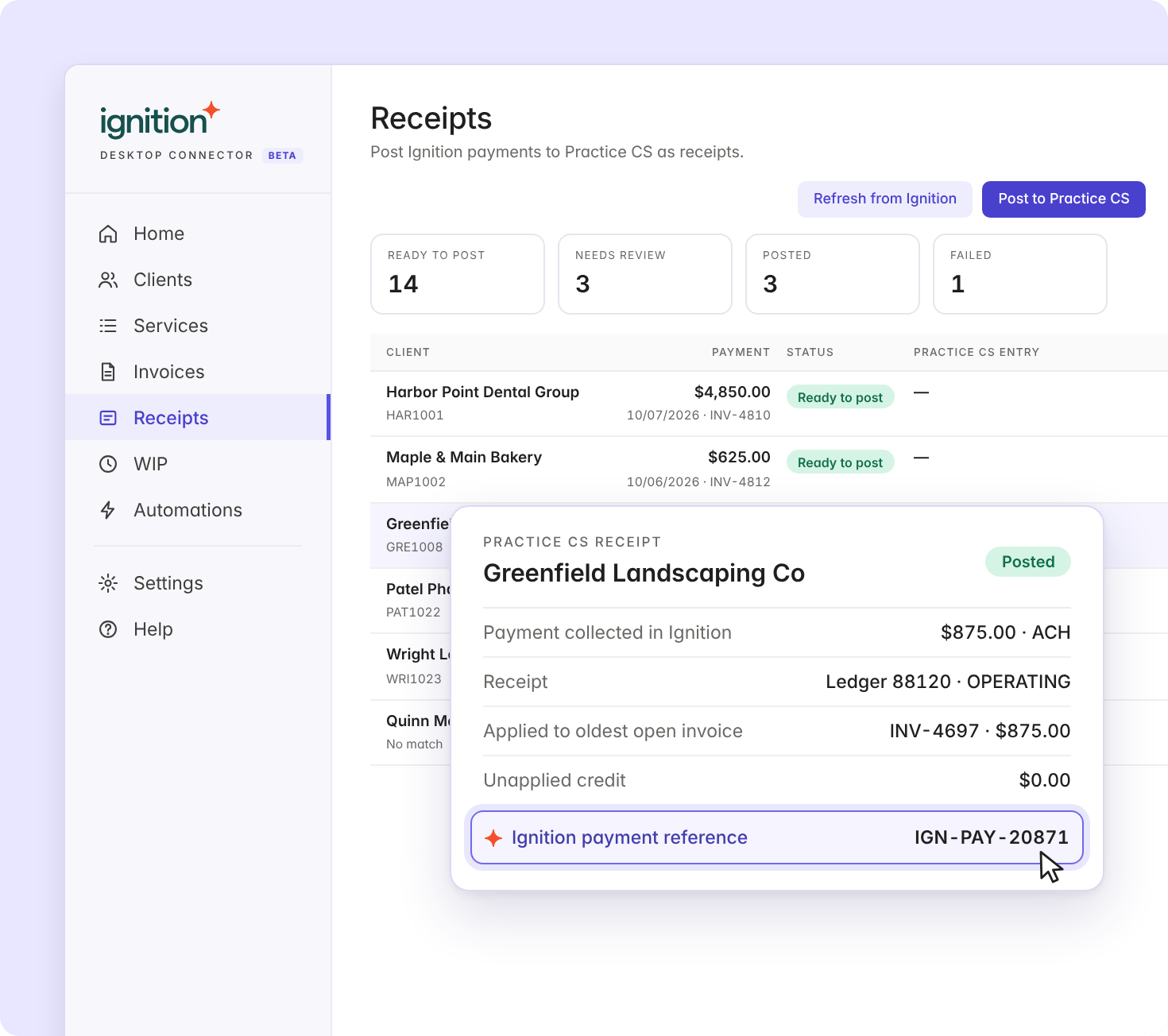
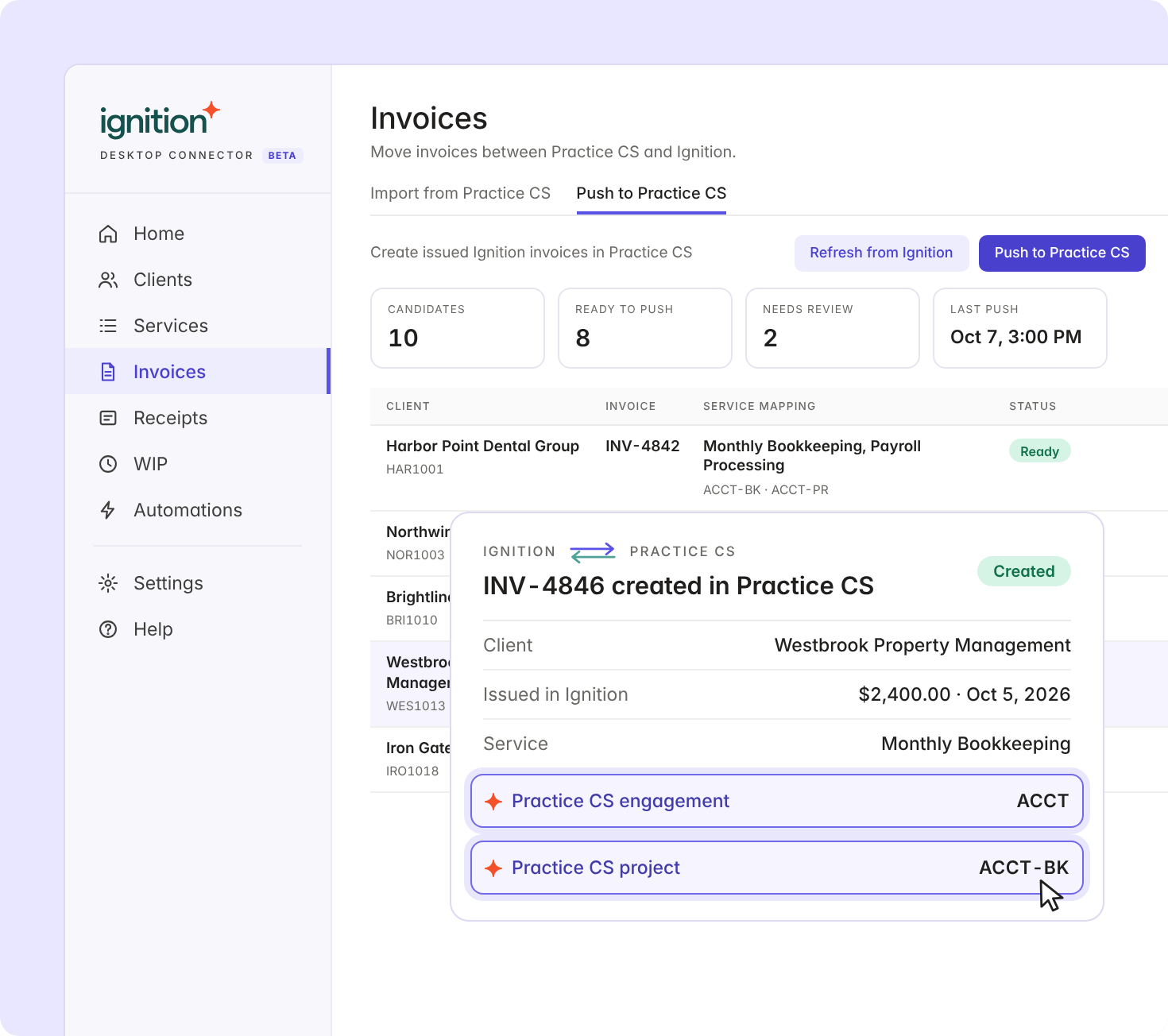
Payments collected in Ignition post to Practice CS as receipts, with the Ignition reference attached, applied to the oldest open invoice.
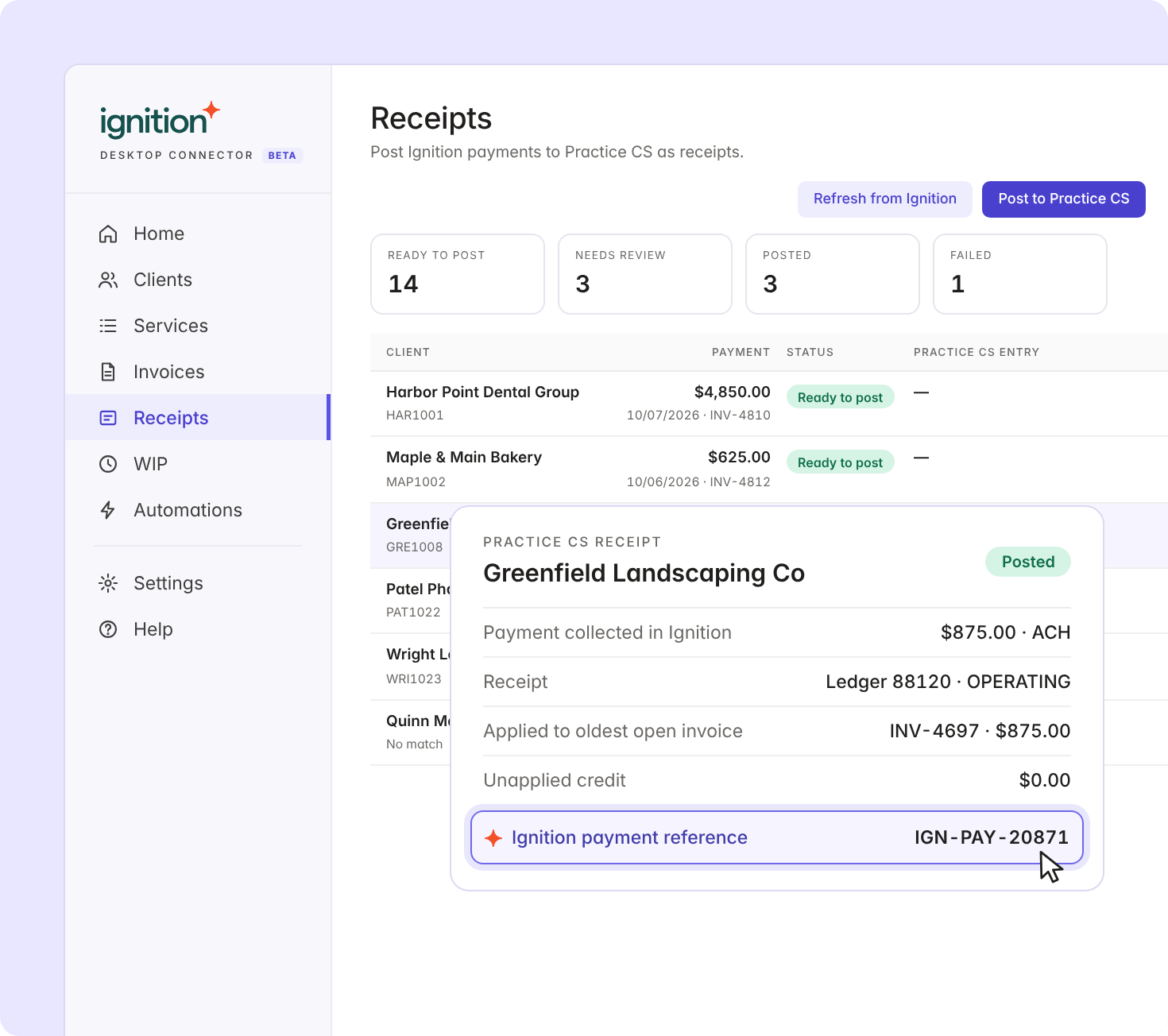
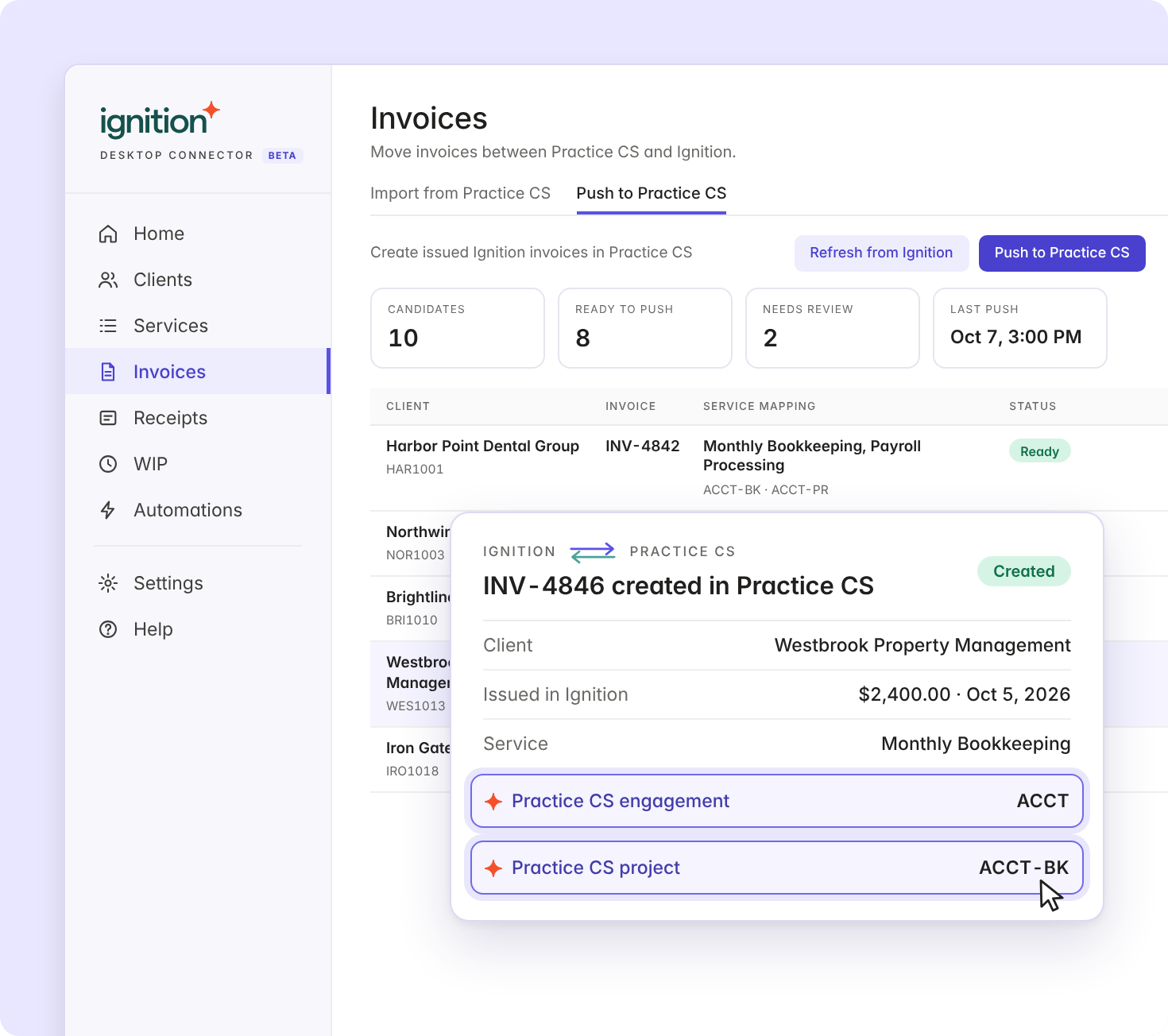
Invoices issued in Ignition are created in Practice CS, mapped to projects and engagements, so WIP clears the way your firm already works.
Practice CS stays your system of record for time and billing. Ignition runs engagement, invoicing and payment. No exports, no re-keying.


Set it up on a Windows PC or server that can reach your Practice CS database. It takes about 30 minutes.

See which clients are synced, not linked or only in Practice CS. Match them one by one, in bulk or by CSV.

Send bulk proposals from templates, import unpaid invoices and collect payment online.

Turn on automations to import new invoices and post receipts to Practice CS every day.
Your IT team will want to know how the connector touches your database. Here's what it does and doesn't do.

The connector only writes to Ignition or Practice CS when you press an action button, or when an automation you turned on runs.

It uses a dedicated SQL login with read access and insert-only access to the tables it posts to. It never updates or deletes Practice CS records.

It connects through a revocable link to your Ignition account, stores credentials encrypted on your machine, and never stores card data.

Anything that can't post cleanly is flagged Needs review with a plain-language reason.
See why thousands of professional services businesses use Ignition to grow their business. Start your 14-day free trial. No credit card needed.
Integrate your software with Ignition to automate workflows, simplify tasks, and get paid.
Install the Ignition Desktop Connector on a Windows PC or server that can reach your Practice CS database, then link it to your Ignition account. It syncs clients, services, invoices and payments between the two. If you'd rather not install anything, you can still import clients and unpaid invoices with a CSV file.
You can automate proposals, invoicing and collections in Ignition while Practice CS stays your system of record. Securing payment details upfront in signed proposals helps eliminate late payments. With the Desktop Connector, payments post back to Practice CS as receipts, so no one has to re-key them by hand.
Yes. Once your Practice CS unpaid invoices are in Ignition, you can invite clients to pay securely online and capture payment details upfront when clients sign. With the Desktop Connector, you can schedule daily invoice imports and receipt posting too.
With Ignition, you can provide flexible payment options, including credit cards, Apple Pay, Google Pay, and ACH. You also have the option to pass on credit card fees to cover your costs if needed.
Ignition does not charge extra for this integration, and it is included on our Enterprise/Pro+ plans for US customers.
Ignition simplifies agreements, automates billing, and boosts cash flow—letting you focus on clients and growing your business.














Average based on thousands of reviews